Bitwarden
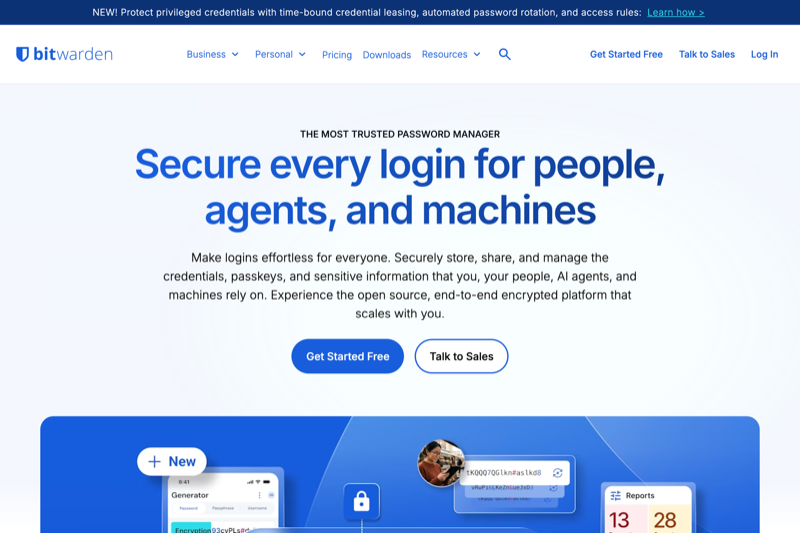
Never forget a password again. Bitwarden stores passwords, credit cards, and secure notes in an encrypted vault that automatically types your logins on phones, tablets, and computers.
Handpicked, trustworthy open-source software for everyday life, creativity, and work · zero subscriptions, zero shady ads, and total control over your own data.
With open source software, the entire source code is publicly visible and accessible to anyone. Because independent security experts worldwide can inspect the exact code line by line, corporations cannot hide tracking scripts, data harvesting, or subscription traps inside. That means: 100% free forever, verified safe, and zero ads.
Never forget a password again. Bitwarden stores passwords, credit cards, and secure notes in an encrypted vault that automatically types your logins on phones, tablets, and computers.
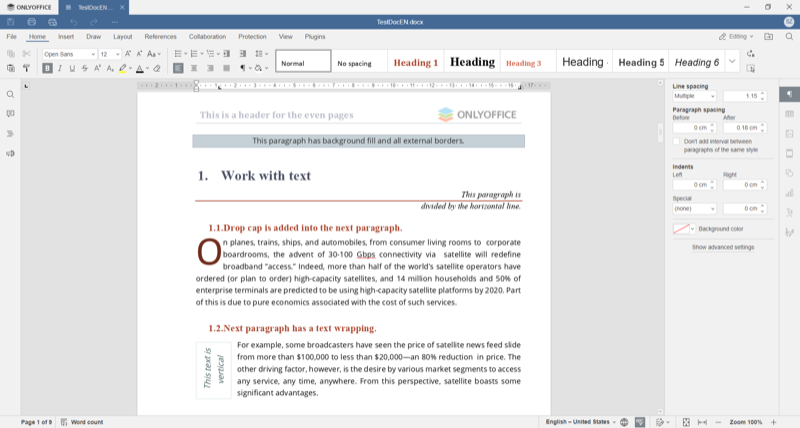
The modern, elegant open-source alternative to Microsoft 365. Native compatibility with .docx, .xlsx, and .pptx formats, featuring a clean tabbed UI and built-in PDF tools.
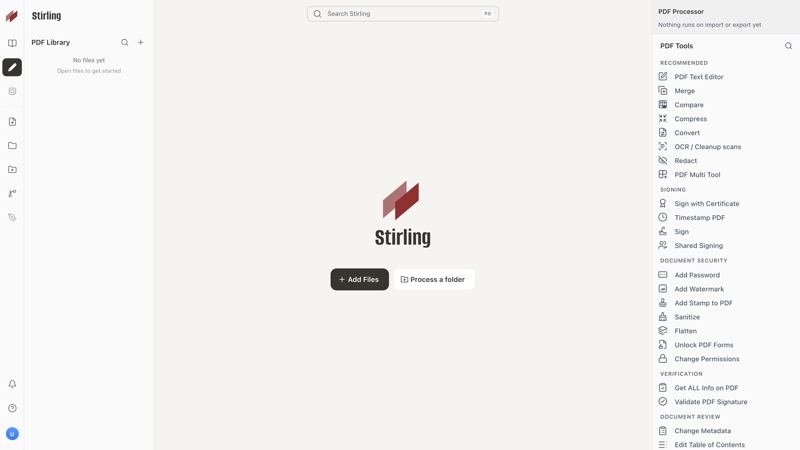
Complete PDF toolkit that runs privately on your device. Merge separate documents, extract pages, sign forms, perform OCR text recognition, and shrink file sizes without cloud uploads.
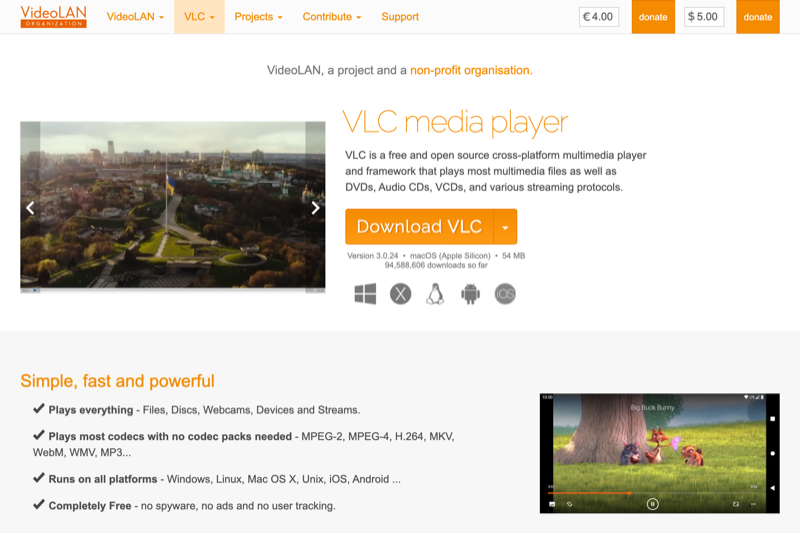
The universally trusted media player. Handles home movies, downloads, optical discs, and streams without requiring confusing video codecs or paid upgrades.
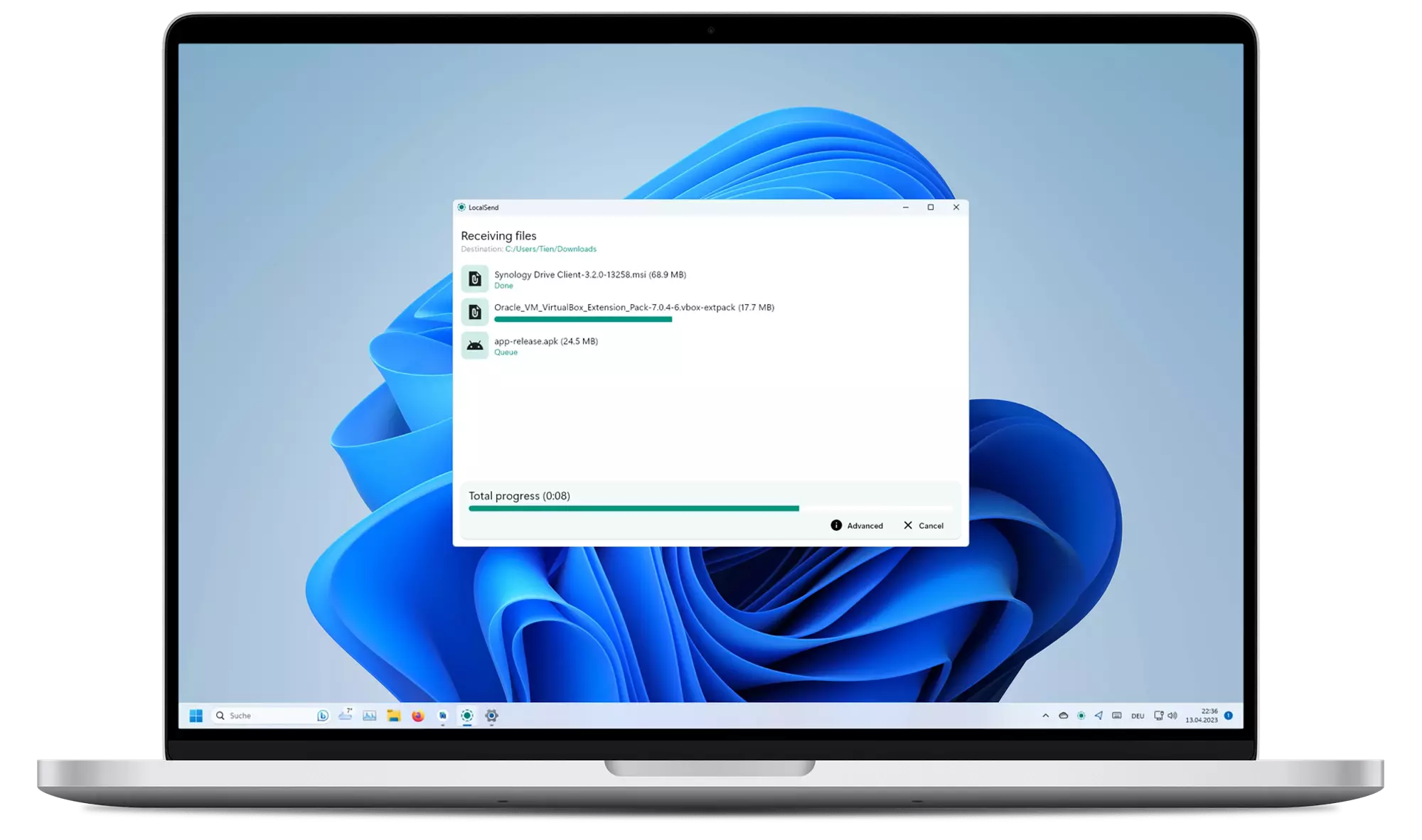
Instantly send photos, videos, and files to any nearby laptop or phone over home Wi-Fi. Works cross-platform with zero setup, accounts, or file size restrictions.
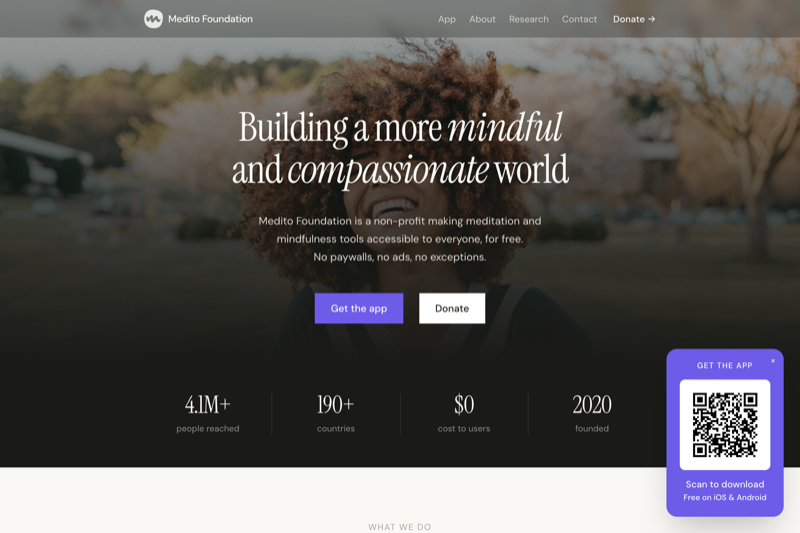
Built by a non-profit foundation to make mindfulness accessible to all. Features guided courses for stress, sleep stories, breathing exercises, and timer sounds with zero ads or subscriptions.
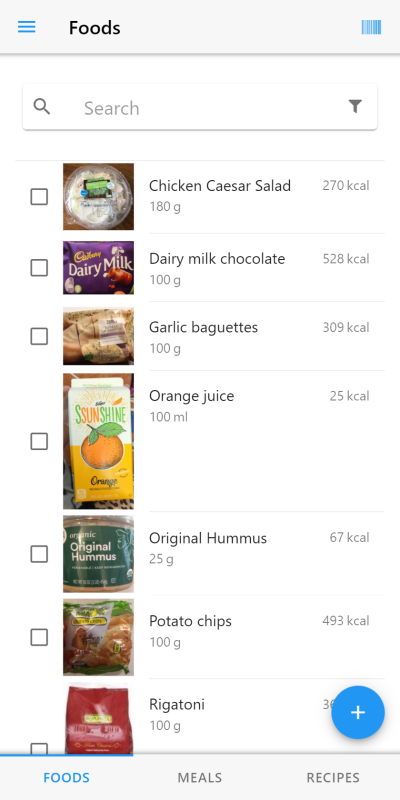
Clean, privacy-first calorie and nutrition tracker powered by the open Open Food Facts database. Scan product barcodes, track macronutrients, and log meals with zero tracking or paid walls.
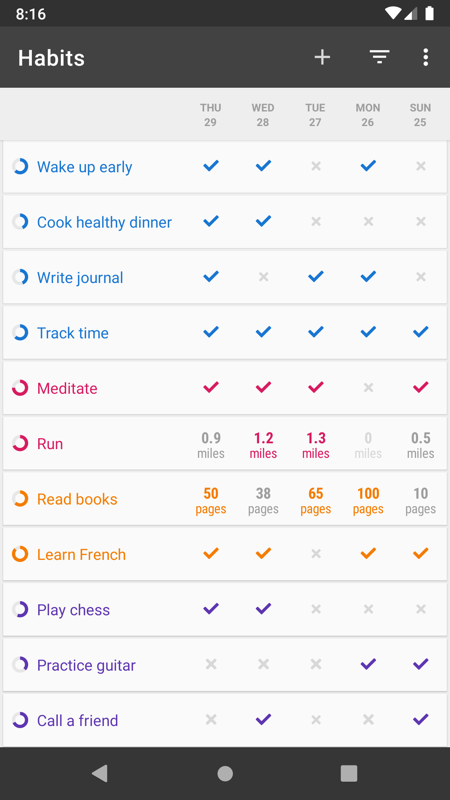
Beautiful, distraction-free habit builder. Track daily routines, view habit strength scores over time, set flexible reminders, and place interactive home screen widgets.
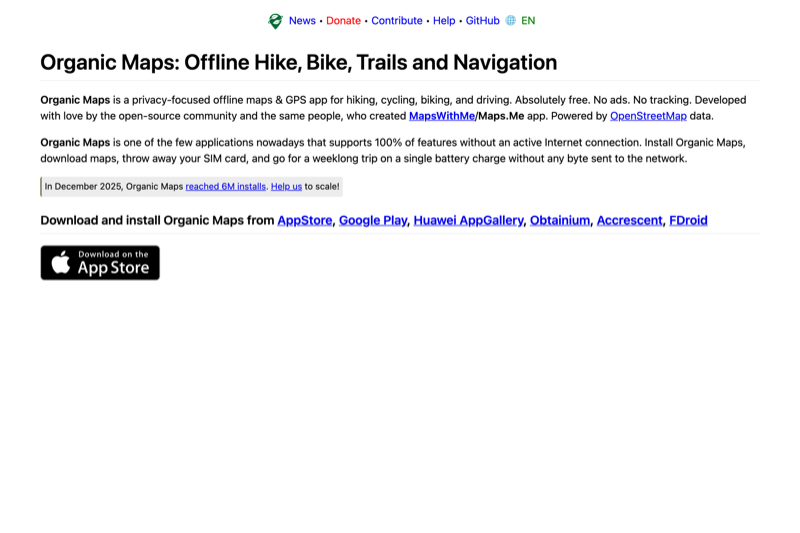
Detailed offline navigation based on OpenStreetMap. Download whole countries in advance and navigate seamlessly without roaming charges, cellular data, or location profiling.
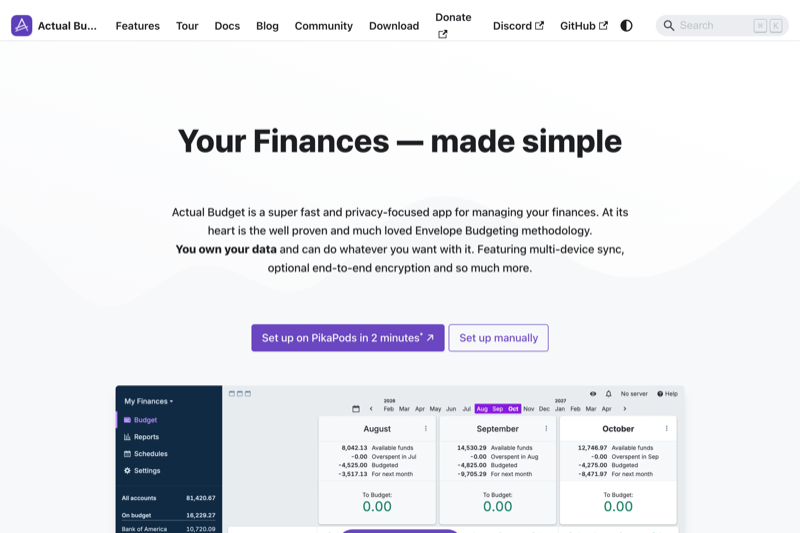
Zero-based budgeting app giving every euro a job. Keep household finances organized, track spending categories, reconcile bank accounts, and run completely offline or self-hosted.
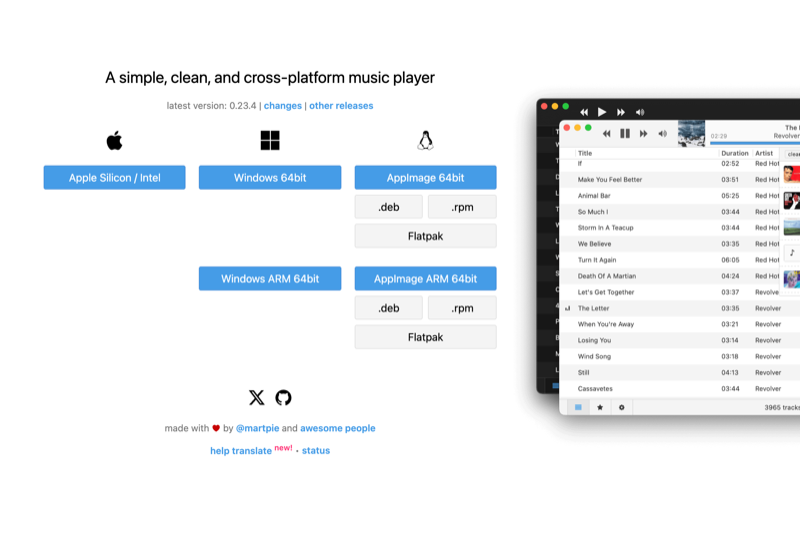
Lightweight cross-platform music player for your local audio tracks, playlists, and albums. Zero commercial ads, no cluttered feeds, and completely open source.
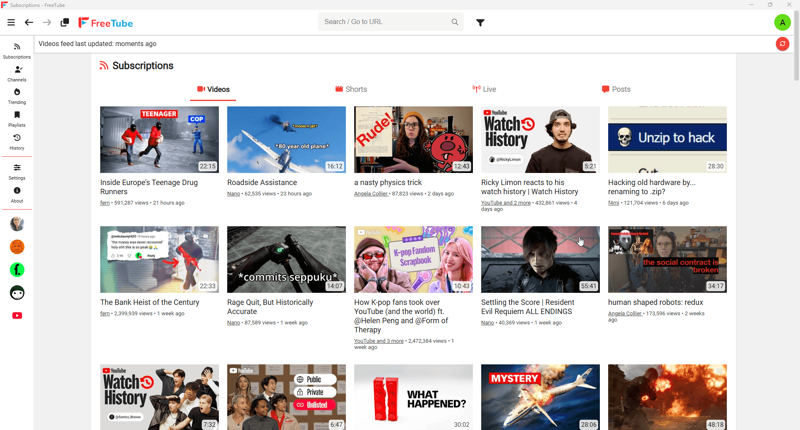
Watch YouTube videos on Mac, Windows, and Linux without commercials or pop-up sponsorships. Subscribe to channels, save playlists, and enjoy videos with no Google account.
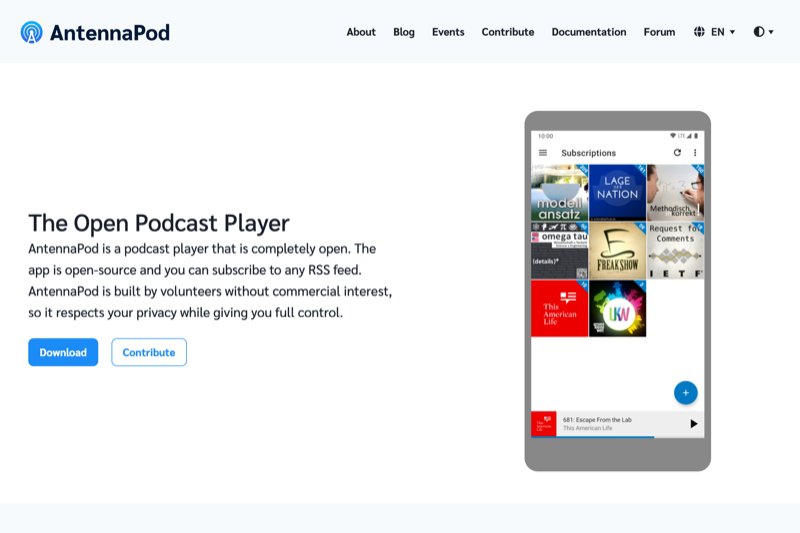
Search millions of free podcasts, stream or download episodes for offline listening, adjust playback speed, and organize favorites without commercial algorithms.
Super-simple AI desktop tool. Drag and drop any low-resolution or vintage family photo and click Upscale to enhance resolution 4x with sharp, natural details locally on your GPU.
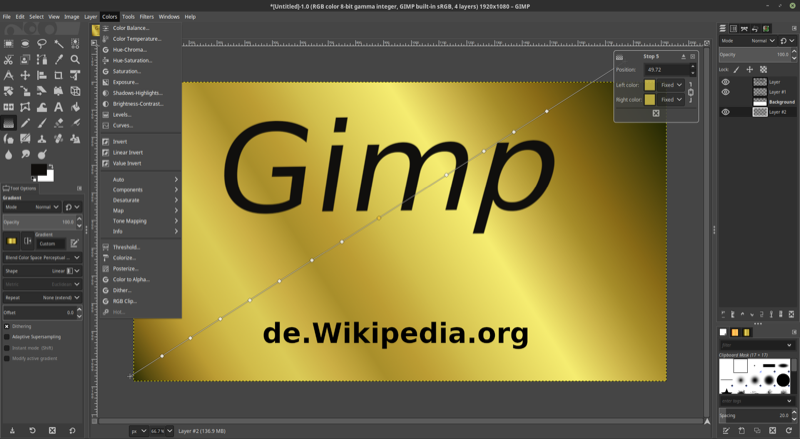
The premier open-source alternative to Adobe Photoshop. Advanced photo retouching, multi-layer compositing, layer masks, filters, and color grading.
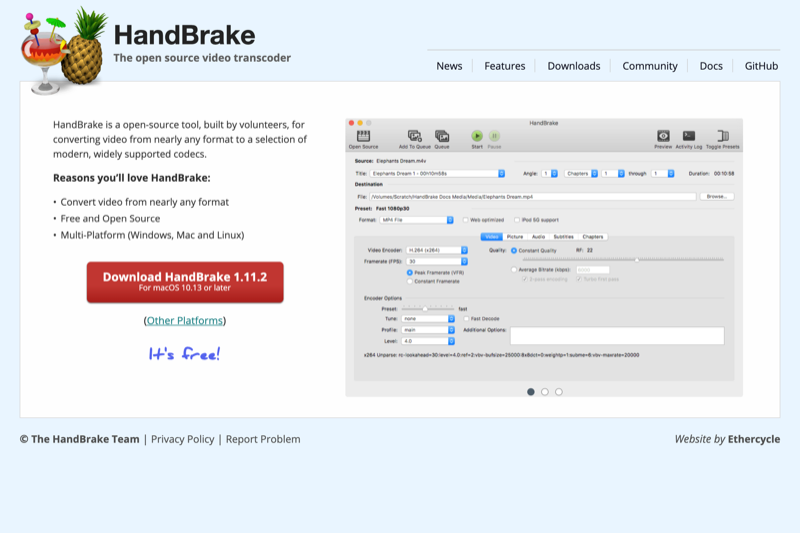
Drop in any heavy phone video or screen recording and shrink its file size by up to 80% with zero noticeable loss in visual quality using simple presets.
Clean audio editor for podcasts, voiceovers, song recordings, and interview cleanup. Remove hums or background noise and cut tracks with clear waveform visuals.
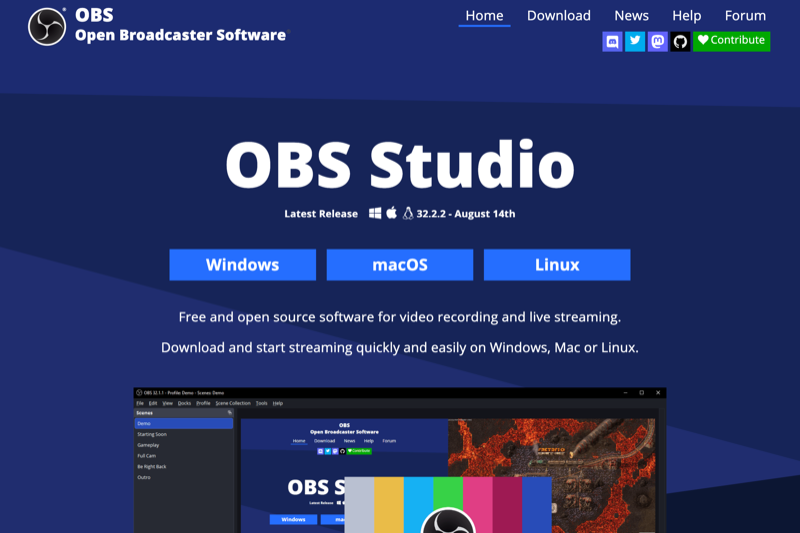
Record clear video tutorials, software demos, and presentations. Mix your webcam, desktop window, and microphone audio with crystal-clear output.
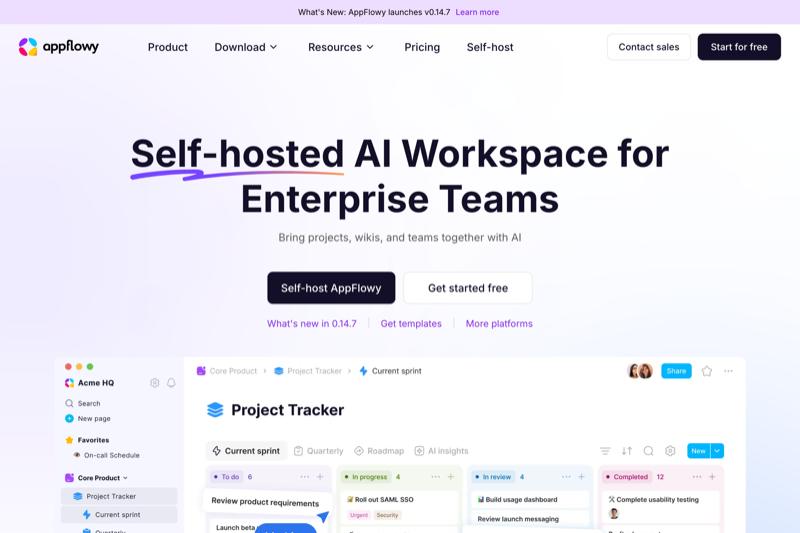
A sleek, private alternative to Notion. Build visual boards, project plans, personal wikis, and document templates with 100% offline access and fast local performance.
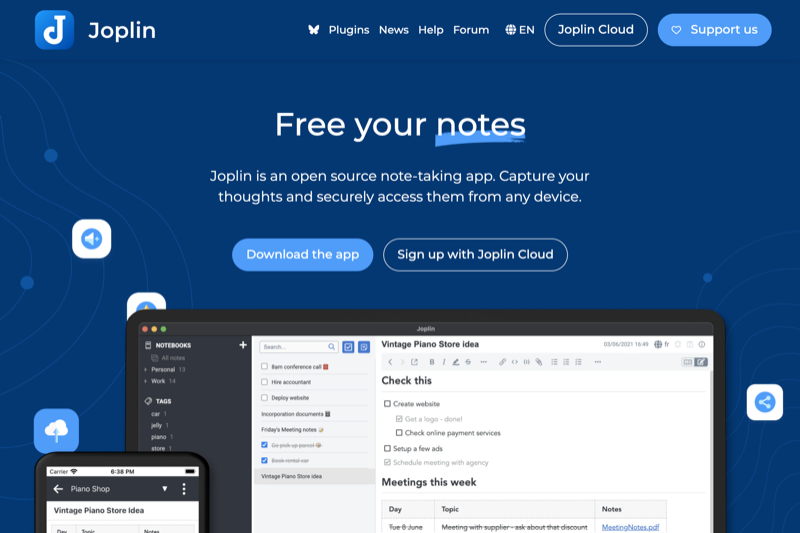
Organize meeting notes, daily checklists, recipes, and ideas in structured notebooks. Everything synchronizes securely between your laptop and phone with end-to-end encryption.
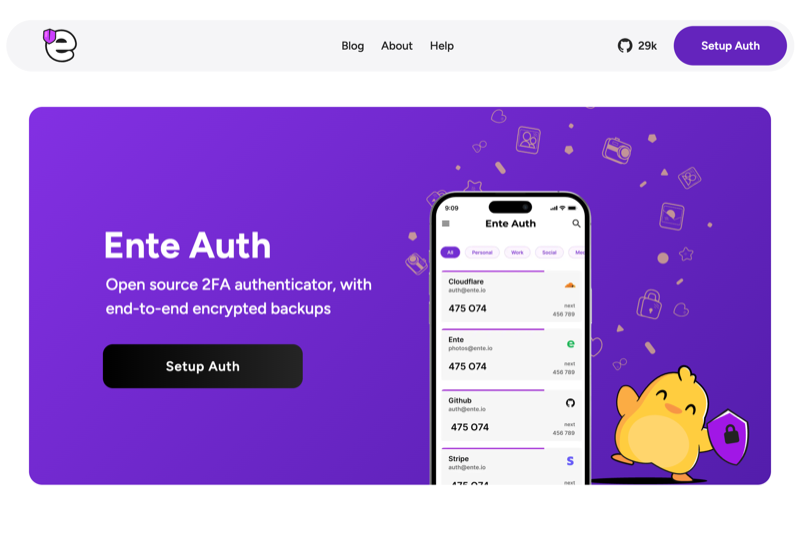
Secure 2-factor authentication codes for online banking, email, and social media. Includes encrypted cloud sync so you don't get locked out when upgrading your phone.
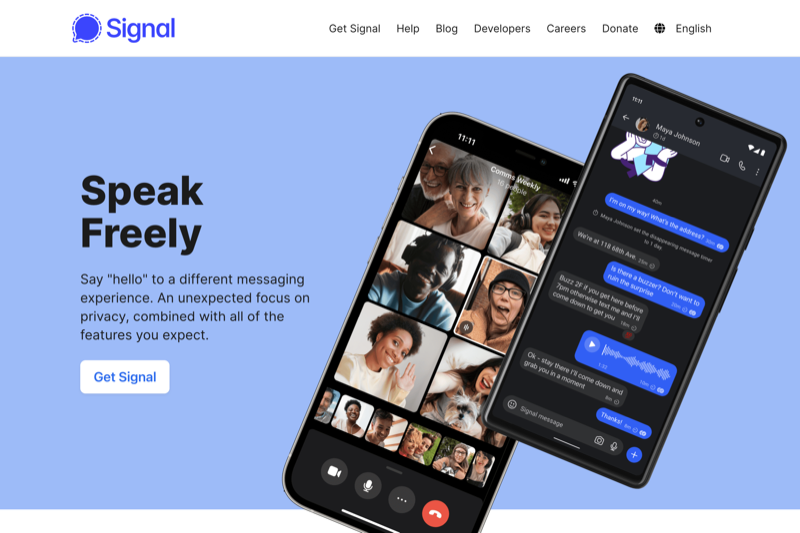
Looks and works just like WhatsApp, but operates without data harvesting, corporate tracking, or profiling. Crystal-clear voice and video calls for family and teams.
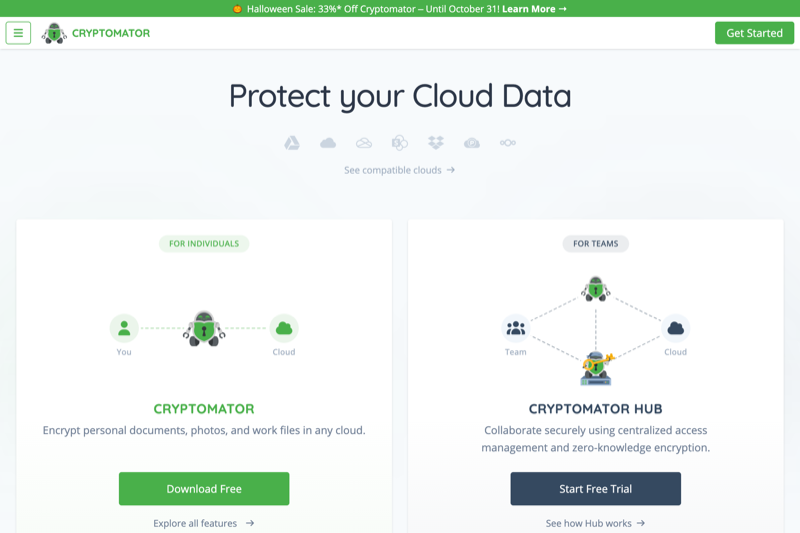
Create encrypted vaults inside your favorite cloud storage folders. Files are scrambled on your device before upload, ensuring nobody else can inspect your personal scans or documents.
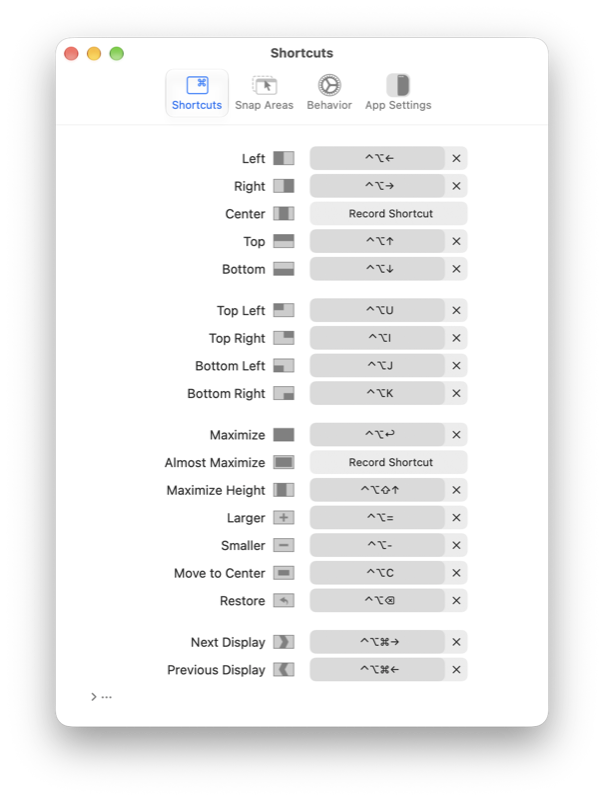
Organize your Mac desktop effortlessly. Drag windows to screen edges or use simple keyboard shortcuts to snap windows side-by-side or into clean quarters.
When you delete a Mac app, hidden caches and preferences usually stay behind. Pearcleaner hunts down all leftover files and reclaims gigabytes of disk space.
Brings the Mac's best feature to Windows: select any file, photo, PDF, or video in File Explorer and tap the Spacebar to instantly see a preview without opening programs.
Drag and drop any file to compress into compact archives, or open password-protected ZIP, 7z, and RAR files with Apple Silicon speed and zero bloat.
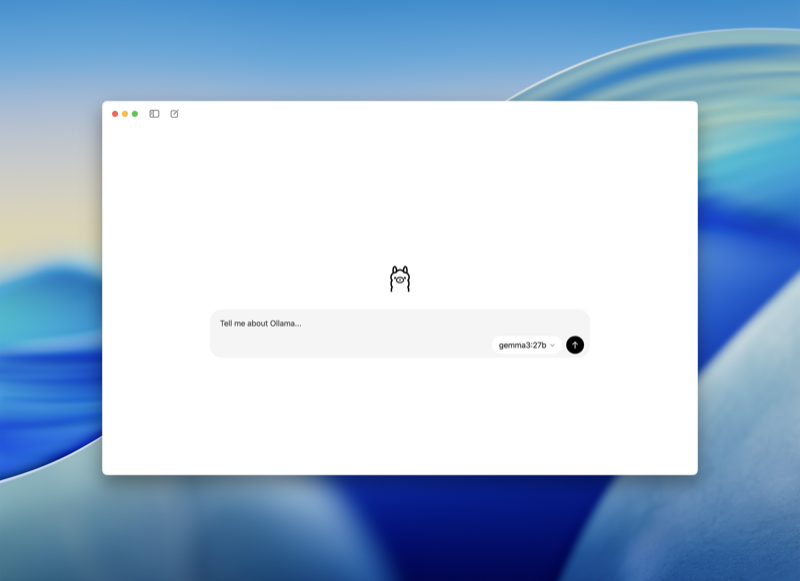
Deploy and interact with state-of-the-art open-source AI models right on your machine. Zero data sent to third-party cloud servers, no subscription fees, and complete privacy.
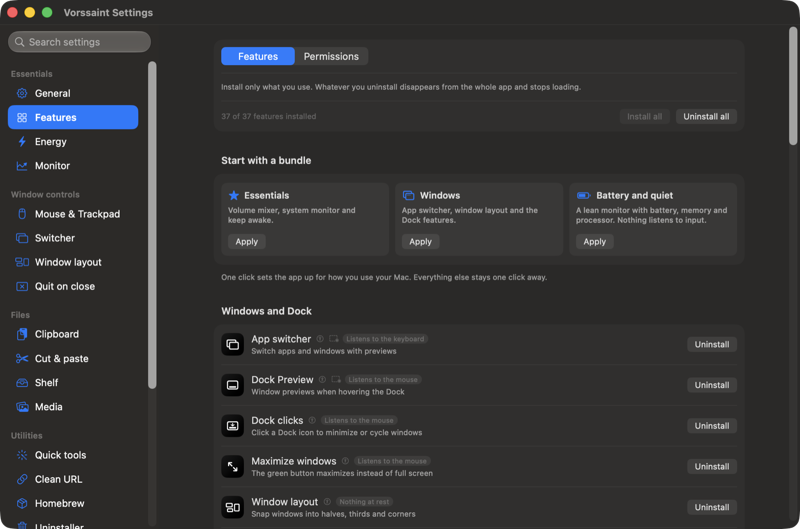
Brings together dozens of essential utilities in one sleek menu bar item: per-app audio mixer, window snapping, Dock previews, clipboard history, and system monitor without telemetry or subscriptions.
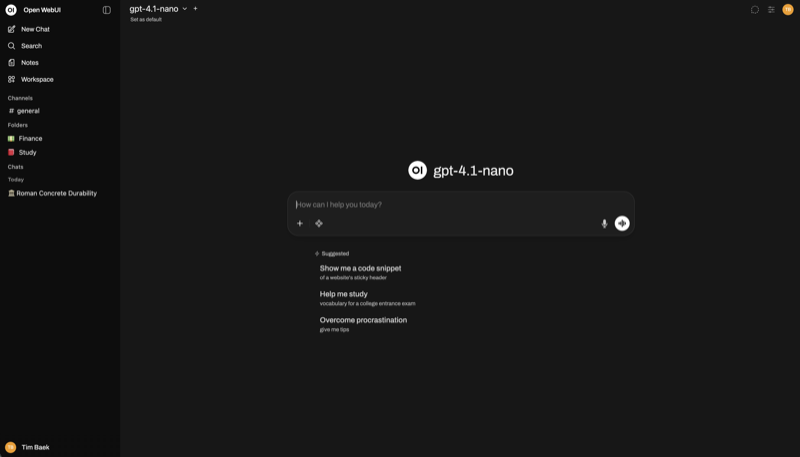
Delivers a full-featured ChatGPT experience offline on your own machine. Pairs seamlessly with Ollama, supporting document interaction (RAG), web search, and custom agents.
Try searching with another keyword or clear the active filters.
Looking for a specific app not yet featured in our guide?
Suggest an applicationKnow of a secure, subscription-free tool that deserves a spot in this directory? Let us know. Our technical team rigorously evaluates each recommendation for safety, codebase transparency, and genuine everyday utility.
Every single application in this directory has been vetted for credibility and safety: open source code repositories, transparent release cycles, and guaranteed zero third-party ad networks, pop-unders, or bundled bloatware.
Save hundreds of dollars annually on recurring subscriptions. Whether you need a full office suite (ONLYOFFICE vs. Microsoft 365), PDF power tools (Stirling-PDF vs. Adobe Acrobat), or password security (Bitwarden vs. 1Password), these tools stay 100% free forever.
Big tech cloud services routinely scan documents and chat history for training or ad targeting. With offline and local-first software like Ollama, LocalSend, and VLC, your private files and data stay strictly on your own hardware.
Commercial "freeware" often monetizes your usage by injecting tracking cookies, showing ads, or selling telemetry to third parties. With open-source software, the entire source code is publicly accessible and peer-reviewed worldwide. Because independent security engineers inspect the code, there are no hidden surveillance scripts or forced subscription traps.
Yes. Industry-standard tools like Bitwarden (independently audited and SOC2 compliant), ONLYOFFICE, and Stirling-PDF are used by enterprise businesses and institutions worldwide. Because data processing happens locally, complying with strict GDPR and privacy regulations is significantly easier.
Each app card in this curated list provides direct links to the official project download page or GitHub releases. For macOS, many can also be installed instantly via Homebrew (brew install), on Windows via Winget or standard installers, and on mobile via the App Store, Google Play, or F-Droid.
Yes. Using Ollama paired with Open WebUI, you can download and chat with modern large language models locally on your computer. Your conversations, confidential documents, and prompts never touch the cloud, saving you monthly subscription costs while ensuring absolute privacy.